
Desktop App
Workset includes a native desktop app built with Wails (Go backend + Svelte frontend). It shares the same config, thread state, and service layer as the CLI.
Install
Section titled “Install”Download the latest macOS build from GitHub Releases.
Thread Management
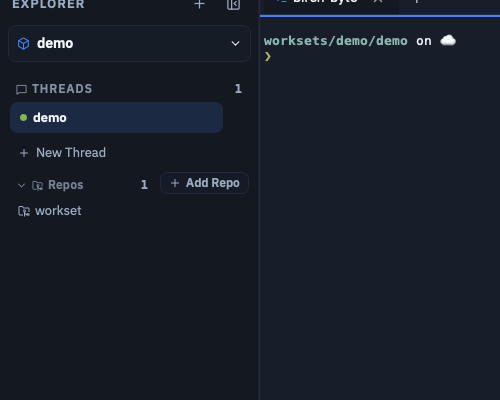
Section titled “Thread Management”The explorer sidebar lets you create, rename, archive, and delete threads. Add and remove repos, inspect status, and browse local changes.
Integrated Terminals
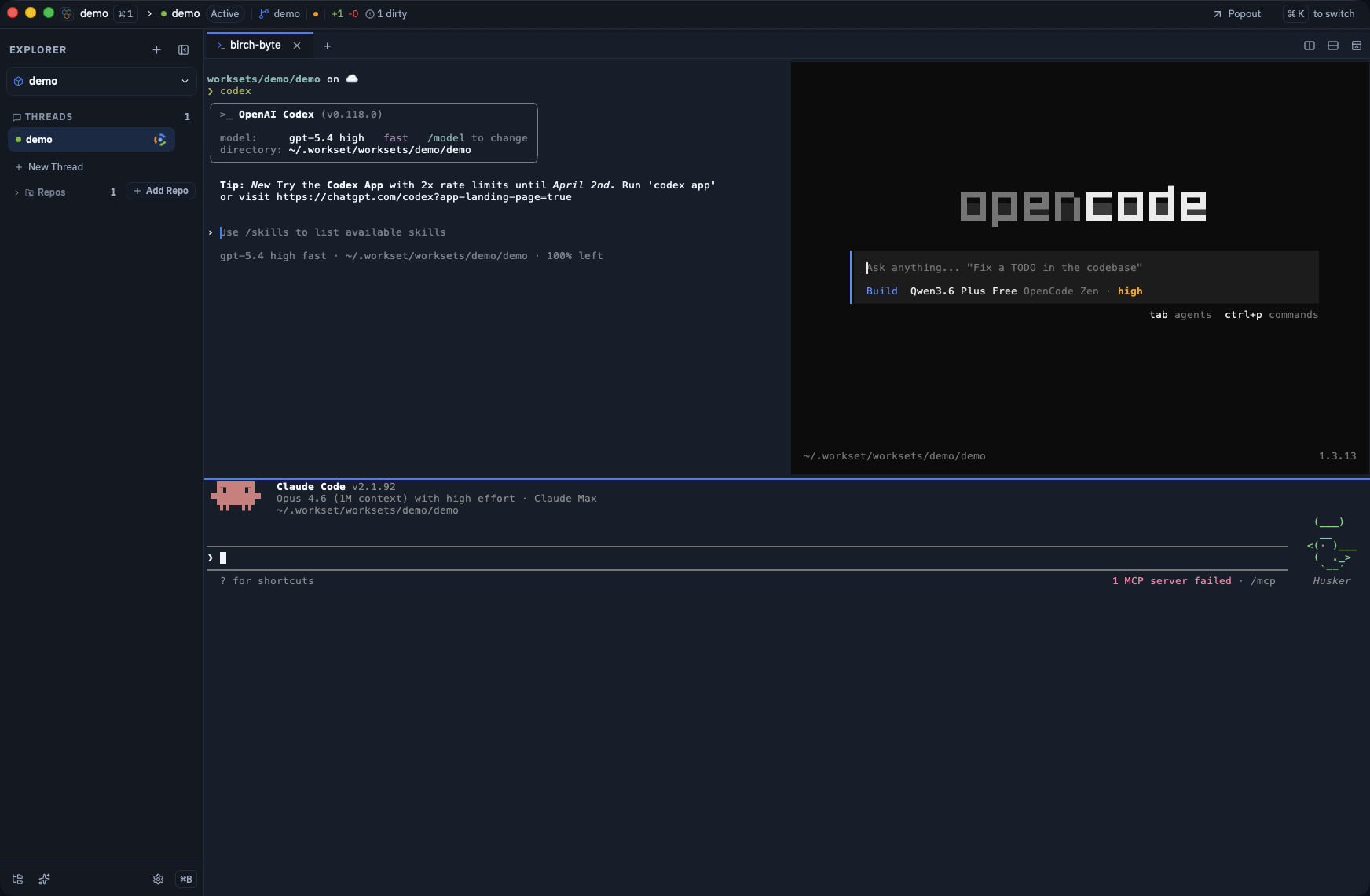
Section titled “Integrated Terminals”Embedded terminals per thread with full PTY support. Features include:
- Clickable links
- Clipboard support
- Proper emoji rendering
- Per-thread terminal sessions
GitHub Workflows
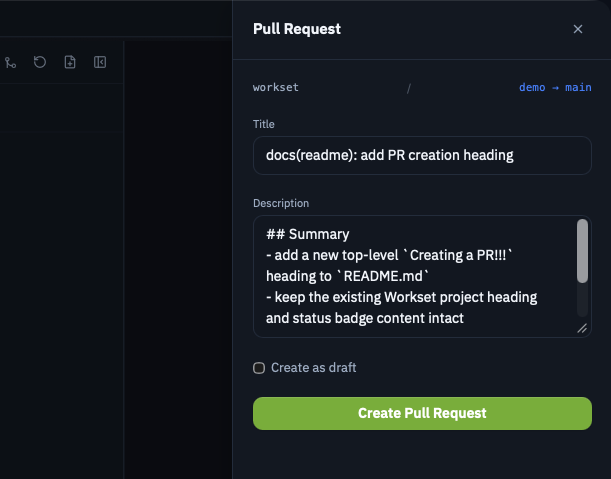
Section titled “GitHub Workflows”Authenticate via GitHub CLI or personal access token. From the app you can:
- Create PRs
- View PR status
- Read review comments
- Generate PR descriptions with AI
In-App Updates (macOS)
Section titled “In-App Updates (macOS)”The desktop app supports a custom updater flow from Settings → About:
- Choose an update channel (
stableoralpha) - Click Check for Updates
- If a newer version exists, click Update and Restart
Update manifests are fetched from WORKSET_UPDATES_BASE_URL when set, otherwise from https://strantalis.github.io/workset/updates. The updater requires both SHA256 match and matching macOS signing Team ID from the manifest.
Terminal Settings
Section titled “Terminal Settings”| Setting | Description |
|---|---|
defaults.terminal_idle_timeout | Idle shutdown for GUI terminals (e.g., 30m, 0 to disable) |
defaults.terminal_protocol_log | Enable terminal service protocol logging |
defaults.terminal_debug_overlay | Show the terminal debug overlay |
defaults.terminal_font_size | Terminal text size (8–28, default 13) |
defaults.terminal_cursor_blink | Whether the terminal cursor blinks |
defaults.agent | Default coding agent (codex or claude) |
defaults.agent_model | Model override for PR/commit text generation |
See Config Reference for the full field reference.
GitHub Authentication
Section titled “GitHub Authentication”See the GitHub Integration guide for setup instructions covering both desktop app and CLI.